Dual SIM Dual Standby Adapter For iPhone 6/6s iKOS K2 GoodTalk Phone Cases Shell Ultra-thin Back Clip
តម្លៃថ្មីត្រឹមតែ៖ $39
🚦🚦លក្ខណៈសម្បត្តិ៖
-អាចខលចូលក្នុងពេលតែមួយ
-អាចបញ្ជូលលុយនិងដូរលុយបាន
-អាចថតសំលេងខលចេញខលចូលបាន
-អាចប្រើជាមួយកាស់ Bluetooth បាន
-កំលាំងថ្ម អាចប្រើ ចាប់ពី 2 ទៅ 5 ថ្ងៃ
-ប្រើប្រាស់ Contact រួម
-មិនប៉េះពាល់ដល់ iPhone
-ភ្ជាប់តាមរយៈBluetooth
-សេវាកម្មយកជូនដល់កន្លែងឥតគិតថ្លៃមួយរៀល
😍😍សូមប្រញាប់រុះរាន់កម្មង់ទិញចាប់ពេលនេះតទៅ ឥវ៉ាន់មានក្នុងស្តុកស្រាប់ ពុំចាំបាច់រង់ចាំ😍😍
☎☎សូមទំនាក់ទំនងលេខទូរស័ព្ទខាងក្រោម:
📱061-962-112 (Cellcard)
📱069-962-112 (Smart)
📱068-962-112 (Metfone)
បោះដុំ នឹង លក់រាយ ទូទាំងប្រទេស និងមាន🆓សេវាកម្មយកឲ្យដល់កន្លែង និងផ្ញើរជូនគ្រប់ខេត្តក្រុងដោយមិនគិតថ្លៃ!
បន្ថែម៖ ក្រុមហ៊ុនយើងខ្ញុំ ក៍មានសេវាកម្មយកឲ្យមើល ឬធ្វើតេស្តដល់កន្លែងសម្រាប់គ្រប់ផលិតផលផងដែរ មុនបងប្អូននឹងសម្រេចចិត្តទិញ!
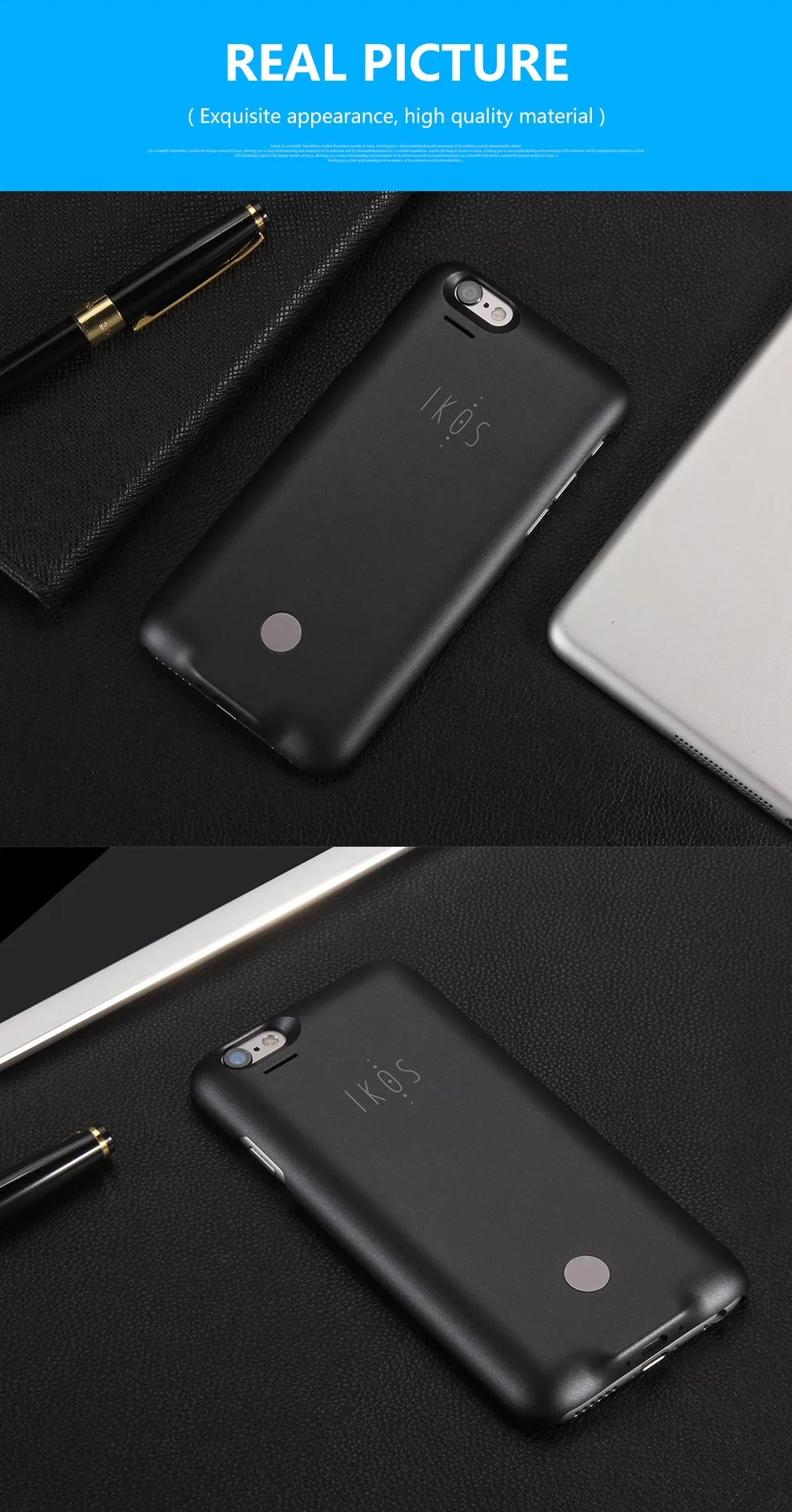
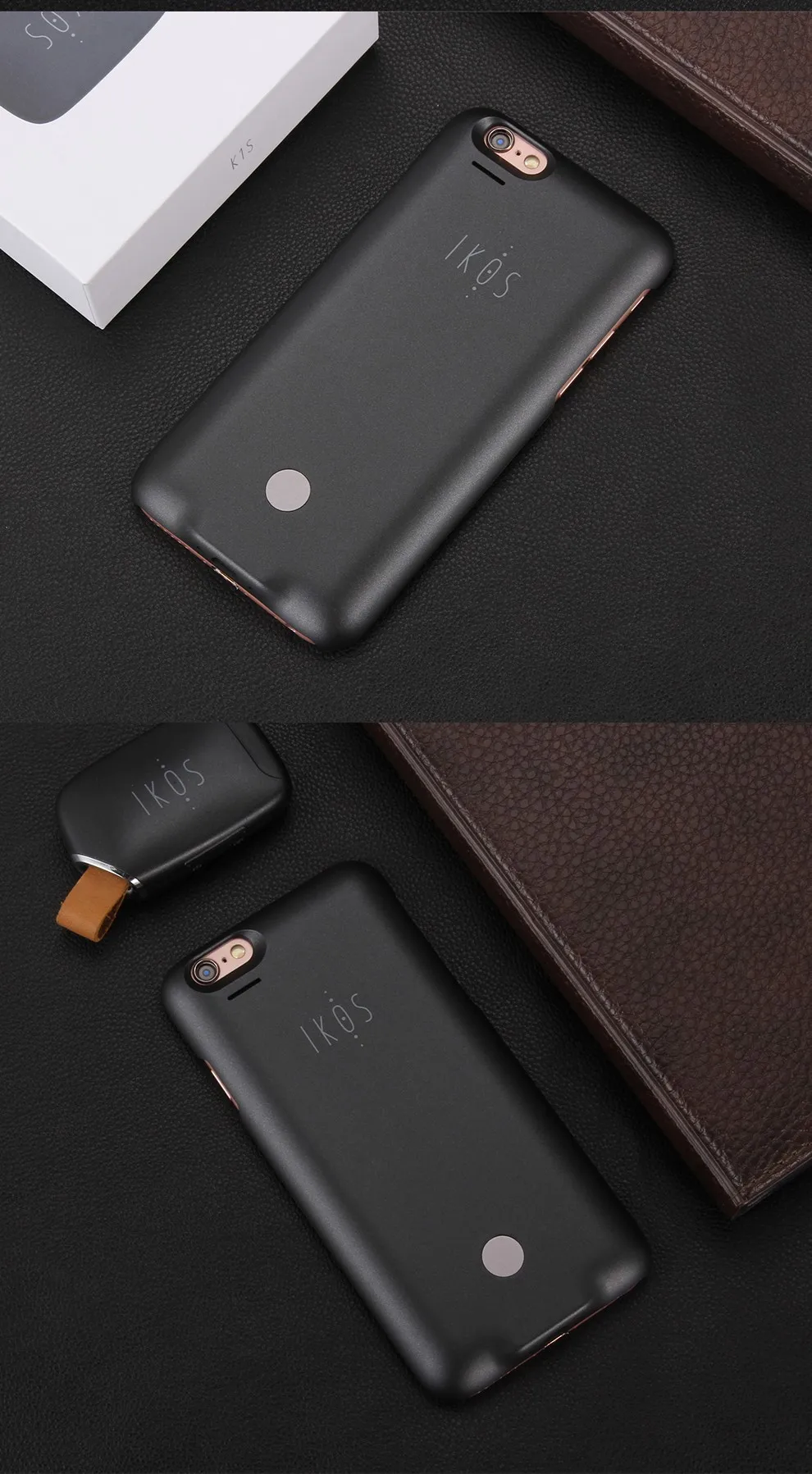
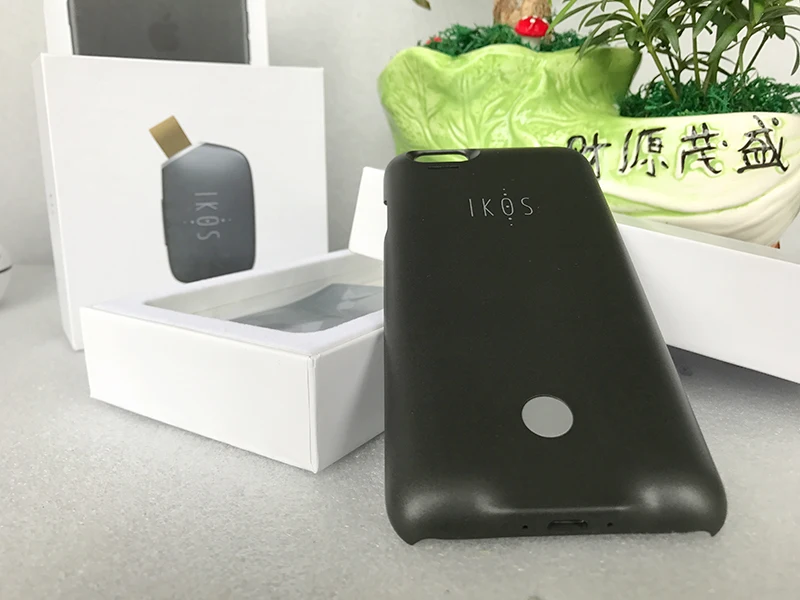
 1. Product Description
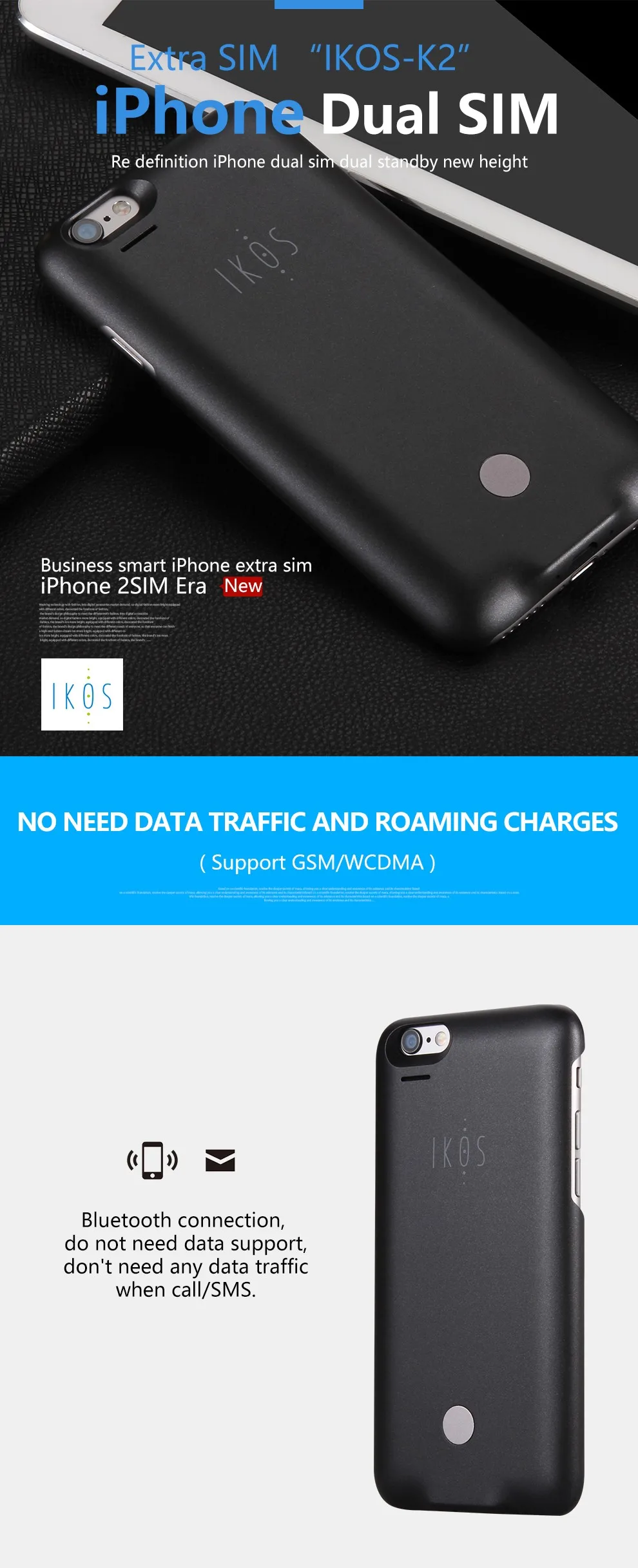
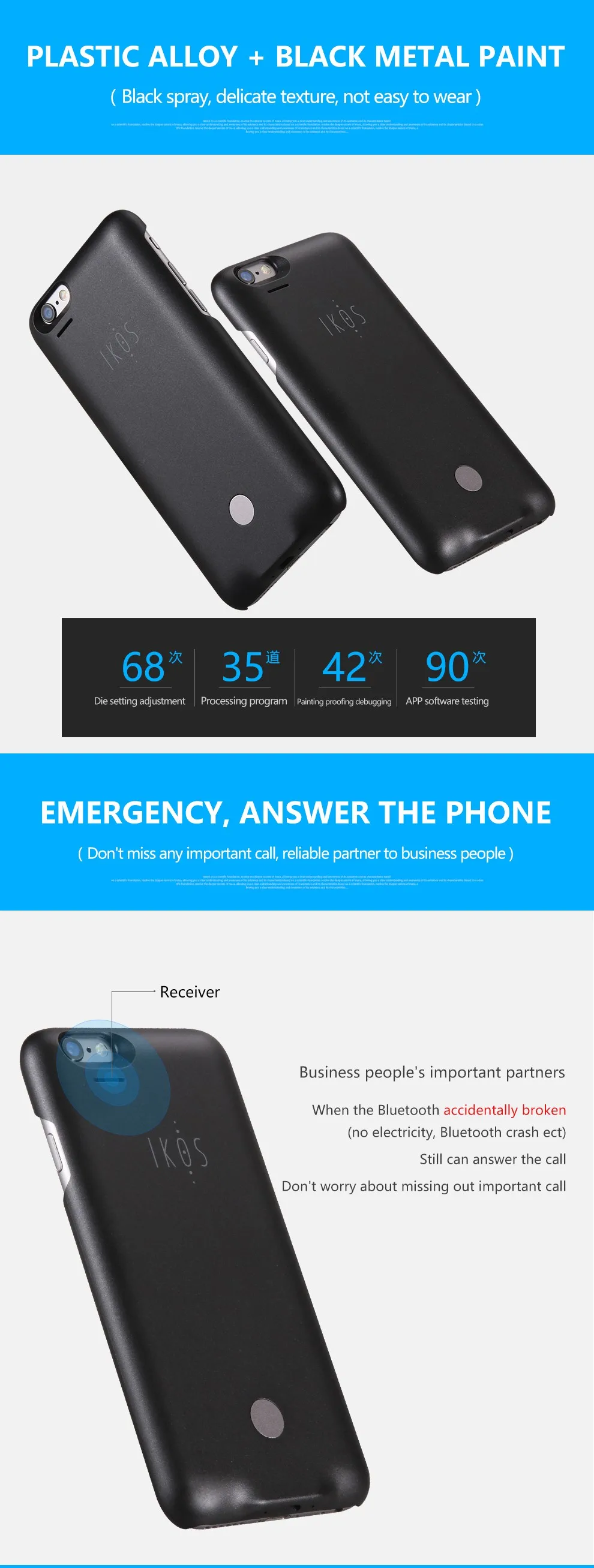
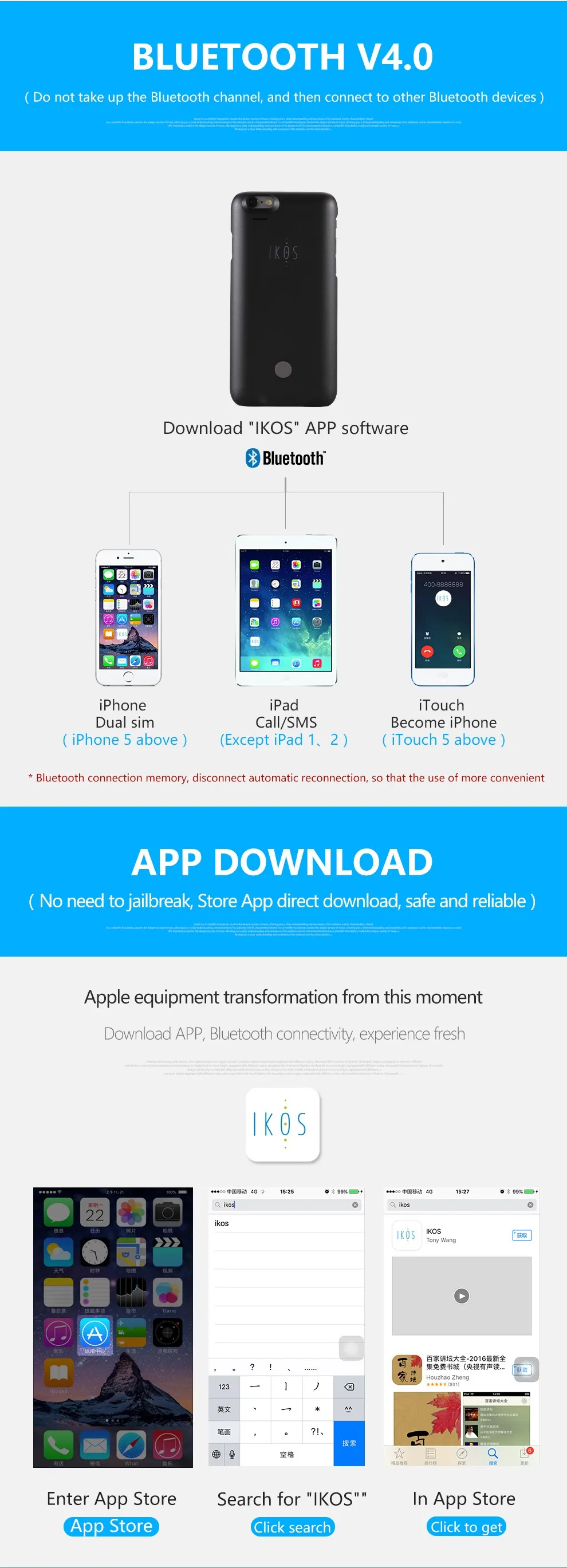
Smart Apple SIM Card equipment is a new type product, which combined with both MODEM and Bluetooth. Connect to Apple devices with Bluetooth, using iOS App to realize the functions of voice calls and text messages from a second SIM card, especially allow users to use a mobile phone to realize Dual SIM Dual Standby.
2.The APP Functions & Requirements
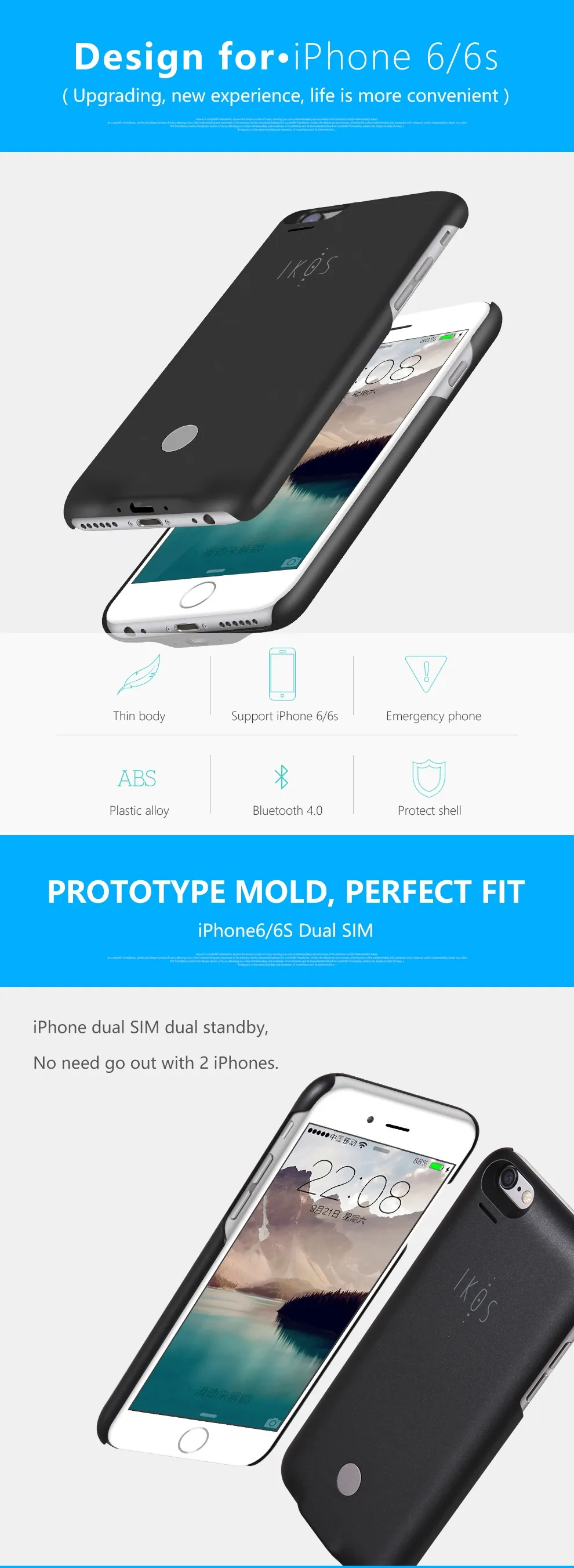
1. The Bluetooth version of the iOS device is 4.0 and up( iPhone 4s and newer) , and the iOS version is iOS7.1 and newer.
2. Support GSM network for phone calls and text messages, does not support data function.
3. Support multiple languages (default with Chinese and English)
4. Support lost alarm function. When the product is lost, with its last connection GPS location shown in the APP, help users to quickly find the product (this feature requires enable mobile phone’s location services)
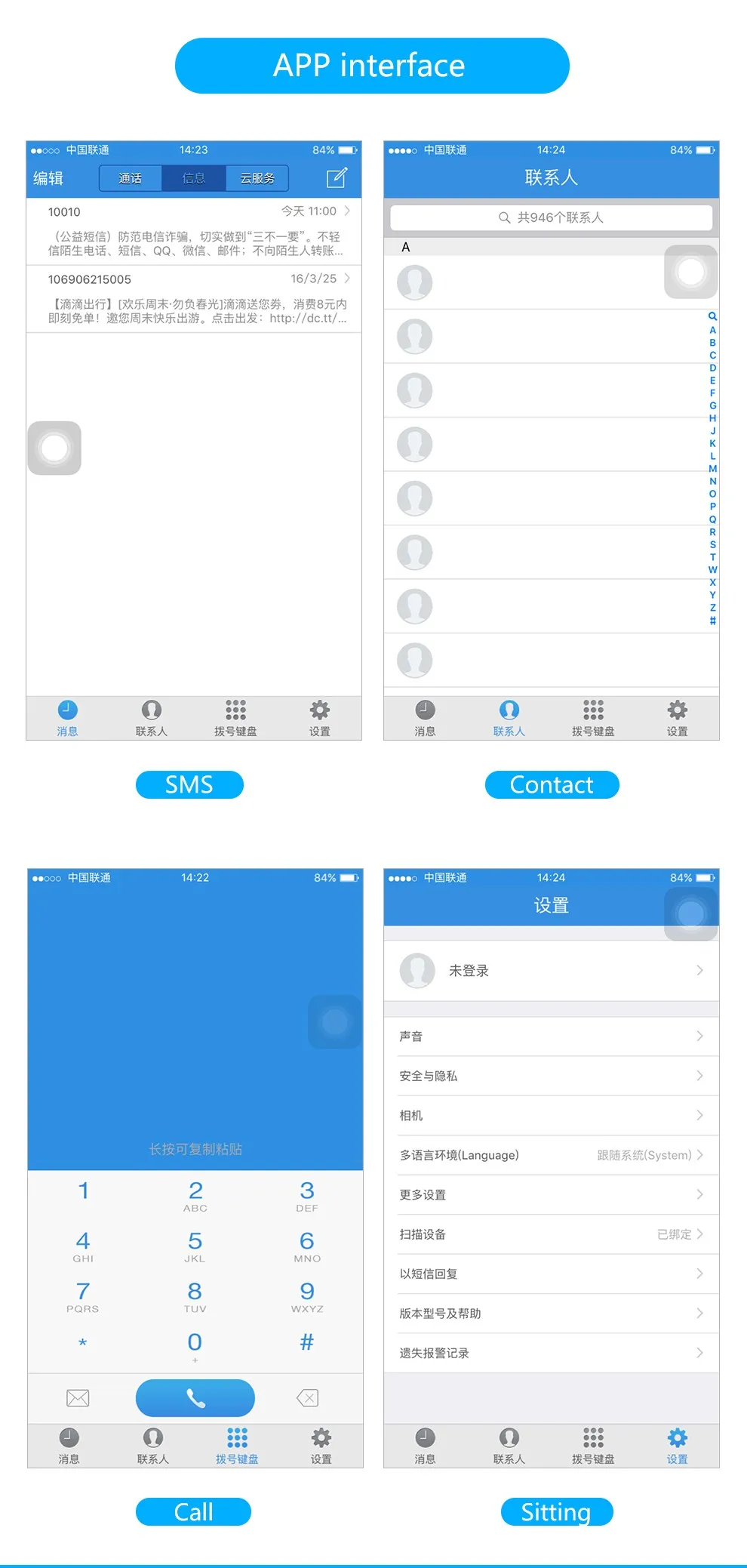
5. Support access & display and sync mobile phone’s Contacts
6. Support phone number display, Carrier name and equipment power capacity display
3. Product Specification
Hardware specification:
1. i Phone compatible should be i Phone 4S and newer, iOS version be iOS7.1 and newer
2. BT Bluetooth module max working range at 10 meters, support Class II standard
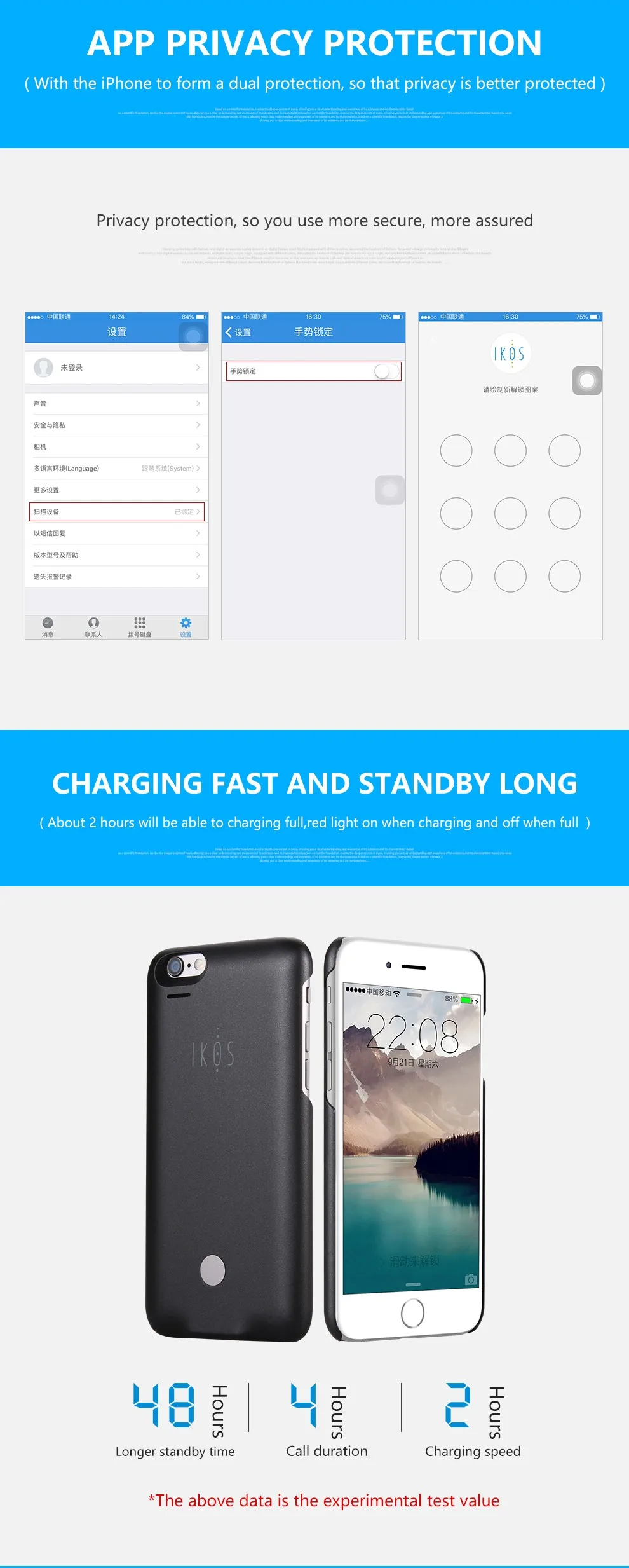
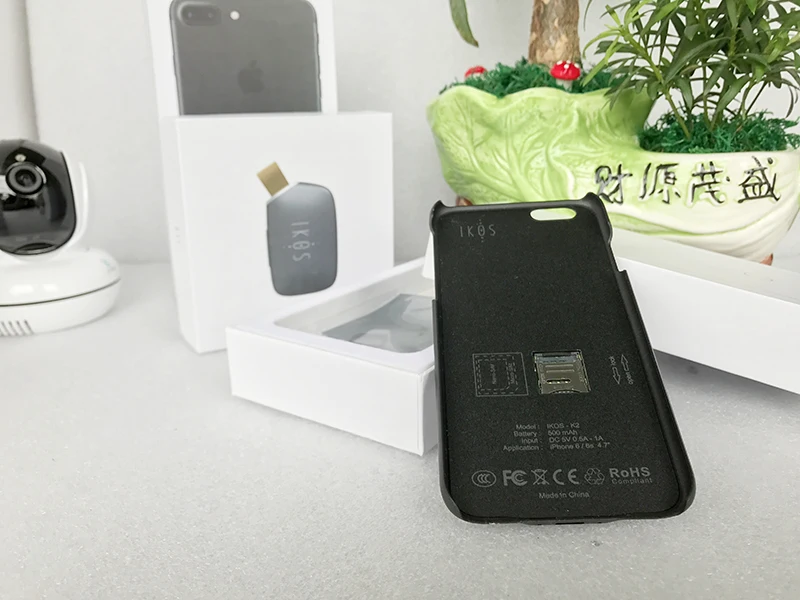
3. Using 500 mAh capacity rechargeable lithium battery, support around 4 hours talking time and 50 hours standby time
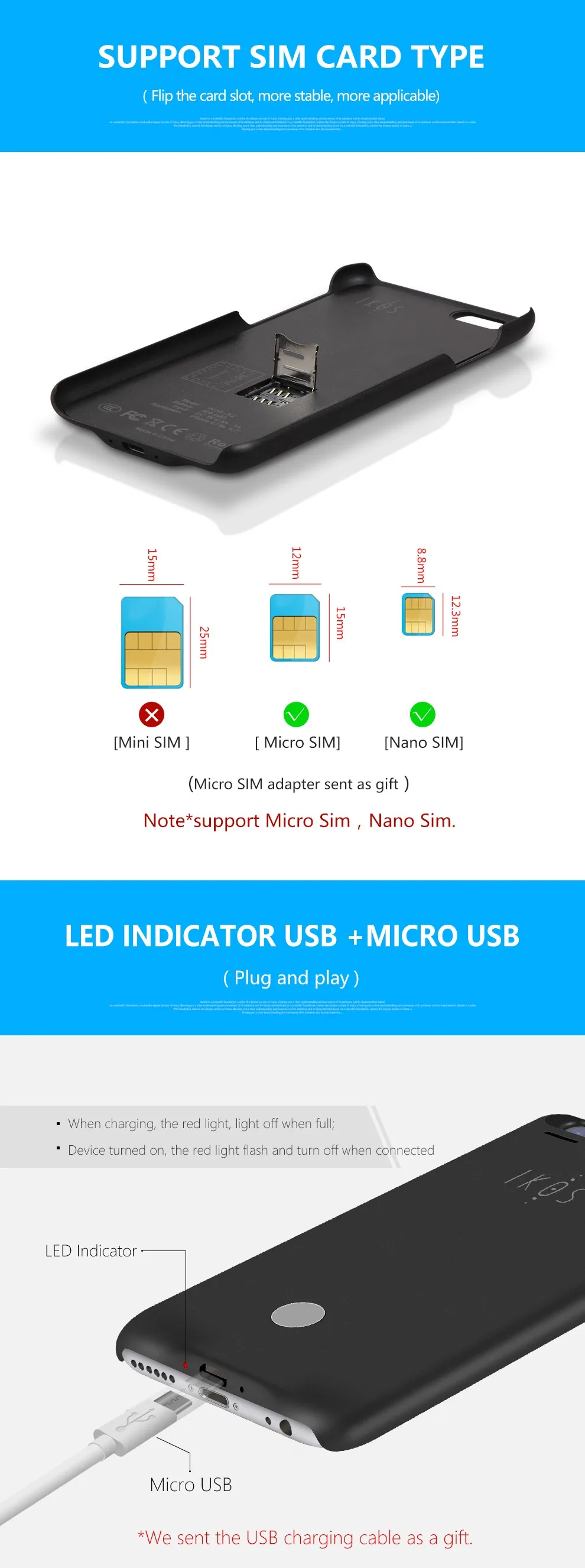
4. Interface: SIM card type: Micro SIM card
USB port type: Micro USB
5. Power button functions:
1) Press 5 seconds to Power switch (ON / OFF); while disconnected press the button to cancel buzzer alarm;
The MODEM specification:
1. Type of network: GSM
2. Network bands: GSM850MHz EGSM900MHz/DCS1800MHz/PCS1900MHz global spectrum
Hardware specification:
1. i Phone compatible should be i Phone 4S and newer, iOS version be iOS7.1 and newer
2. BT Bluetooth module max working range at 10 meters, support Class II standard
3. Using 500 mAh capacity rechargeable lithium battery, support around 4 hours talking time and 50 hours standby time
4. Interface: SIM card type: Micro SIM card
USB port type: Micro USB
5. Power button functions:
1) Press 5 seconds to Power switch (ON / OFF); while disconnected press the button to cancel buzzer alarm;
The MODEM specification:
1. Type of network: GSM
2. Network bands: GSM850MHz EGSM900MHz/DCS1800MHz/PCS1900MHz global spectrum
4. How To Use
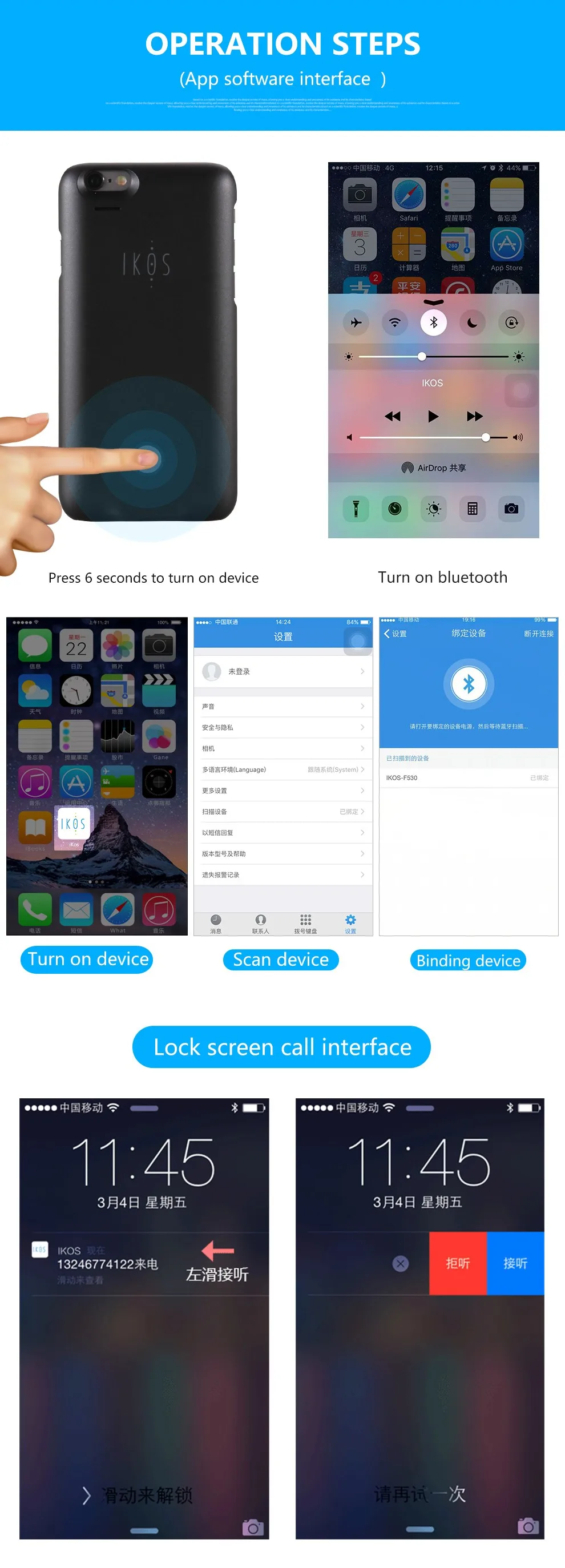
1. Firstly, turn on the Bluetooth function on iOS device
2. Please search the APP “IKOS” in APP Store, and download to install
3. Press the power button 5 seconds to enter Pairing, red LED will beflashing
4. Open the IKOS APP, go to Settings - > Search Device to find IKOS and pair (Note: Pair in IKOS APP, not in iOS devices’ Bluetooth menu!)
5. Click the device to auto connect, red LED will be off. After SIM Card registered to GSM network, you can achieve phone call and SMS functions
1. Firstly, turn on the Bluetooth function on iOS device
2. Please search the APP “IKOS” in APP Store, and download to install
3. Press the power button 5 seconds to enter Pairing, red LED will beflashing
4. Open the IKOS APP, go to Settings - > Search Device to find IKOS and pair (Note: Pair in IKOS APP, not in iOS devices’ Bluetooth menu!)
5. Click the device to auto connect, red LED will be off. After SIM Card registered to GSM network, you can achieve phone call and SMS functions
Q&A
1. Couldn’t find App or App not running properly?
1). Please make sure i Phone’s iOS version is 7.1 and newer, Bluetooth standard be Bluetooth 4.0 and up.
2). Please make sure it’s i Phone 4S and newer devices.
3). Please make sure you’ve selected the correct App to download.
4). Please make sure that the Bluetooth function of the iOS device has been turned on.
1). Please make sure i Phone’s iOS version is 7.1 and newer, Bluetooth standard be Bluetooth 4.0 and up.
2). Please make sure it’s i Phone 4S and newer devices.
3). Please make sure you’ve selected the correct App to download.
4). Please make sure that the Bluetooth function of the iOS device has been turned on.
2. Can not receive SMS or Phone call on AppPhone?
1). Please make sure App Phone is connected to iPhone and within working range.
2). Please make sure SIM card registered to network successfully, with Carrier’s name listed on upper-left corner, Green LED flashing slowly.
3). Please make sure AppPhone is not out of power.
4). Please re-download App and re-connect.
5). Please try to turn OFF i Phone’s Bluetooth, reboot, and turn ON.
1). Please make sure App Phone is connected to iPhone and within working range.
2). Please make sure SIM card registered to network successfully, with Carrier’s name listed on upper-left corner, Green LED flashing slowly.
3). Please make sure AppPhone is not out of power.
4). Please re-download App and re-connect.
5). Please try to turn OFF i Phone’s Bluetooth, reboot, and turn ON.
3. How long is the charging time for battery?
Normally around 2 hours.
Red LED on while charging, Red LED off after fully charged.
4. How long does battery last for one fully charge?
Continuous talk time: ≤ 4 hours
Standby time: 50 hours
Normally around 2 hours.
Red LED on while charging, Red LED off after fully charged.
4. How long does battery last for one fully charge?
Continuous talk time: ≤ 4 hours
Standby time: 50 hours
Advice
1. Use Micro SIM card directly
2. Insert SIM card when device is power off
1. Use Micro SIM card directly
2. Insert SIM card when device is power off
Battery icon with capacity display will be shown on top right corner.
For better using experience, please remember to charge your AppPhone timely.
For better using experience, please remember to charge your AppPhone timely.
Comments
Post a Comment